

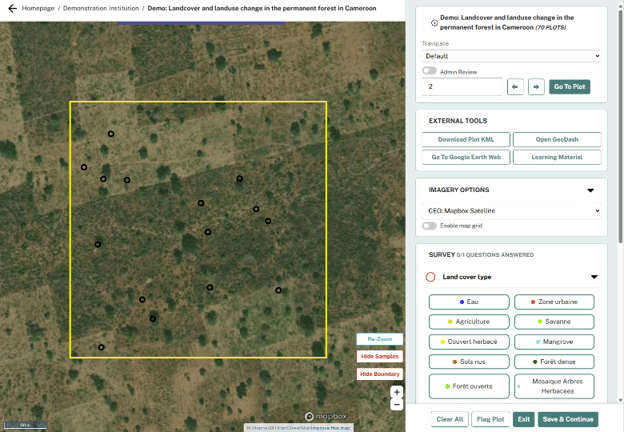
Coming Soon: Streamline Your Workflow with CEO’s Updated Interface
Collect Earth Online (CEO) will soon have an updated interface for a cleaner, more intuitive experience.
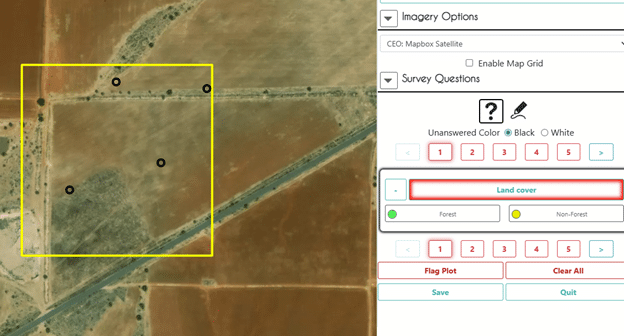
New Feature: See All Imagery Behind Each Plot Interpretation
Now, admins can see exactly which imagery a data collector used during plot interpretation.
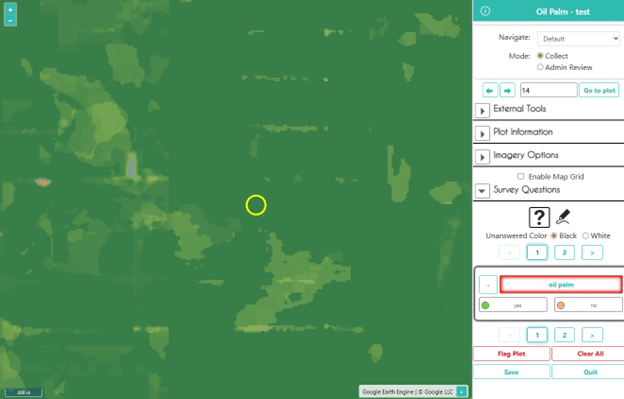
Dynamic World now available in Collect Earth Online
Collect Earth Online can now easily connect to the Dynamic World dataset as basemap imagery and as a Geo-Dash widget.

Copying Projects in Collect Earth Online: A Safer Path for Major Updates
Changing projects after data collection begins has risks if done in the same published project. Collect Earth Online now allows users to ...
Introducing More Flexibility for Ongoing Projects in CEO
Collect Earth Online now allows users to add new survey questions and plots to active projects.
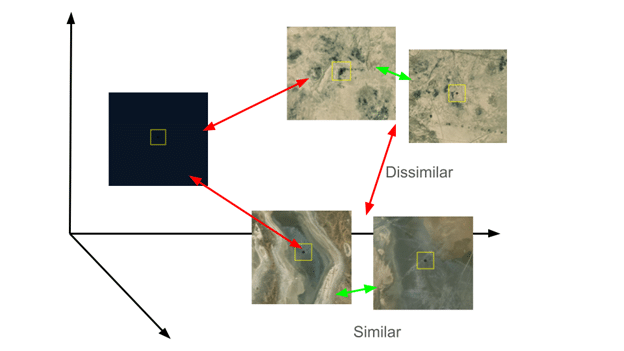
Plot Similarity Assistant: Bringing GeoAI Directly to CEO Users
New in Collect Earth Online: the Plot Similarity Assistant, a GeoAI-powered tool that helps data collectors move through similar plots more efficiently.
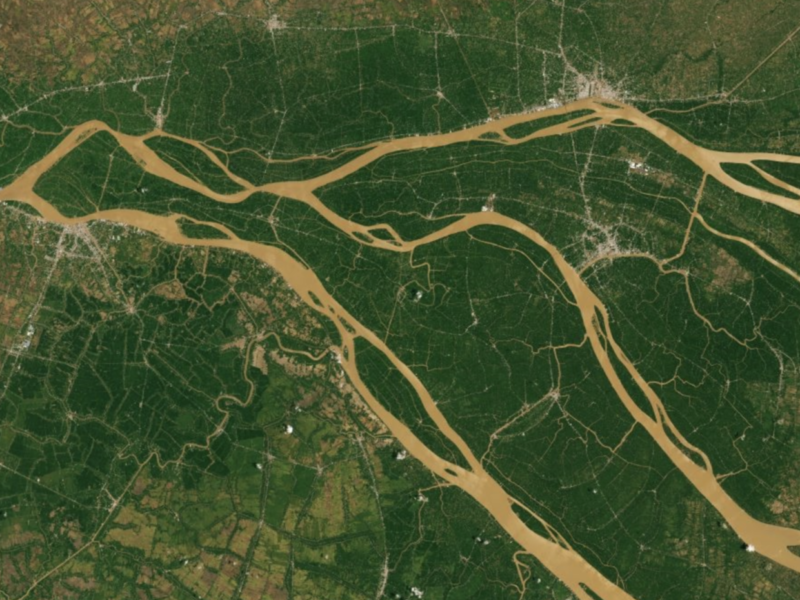
New Imagery Permissions in CEO
Collect Earth Online now allows better control over who can view your institution’s imagery, enabling more flexibility for open and restricted projects.
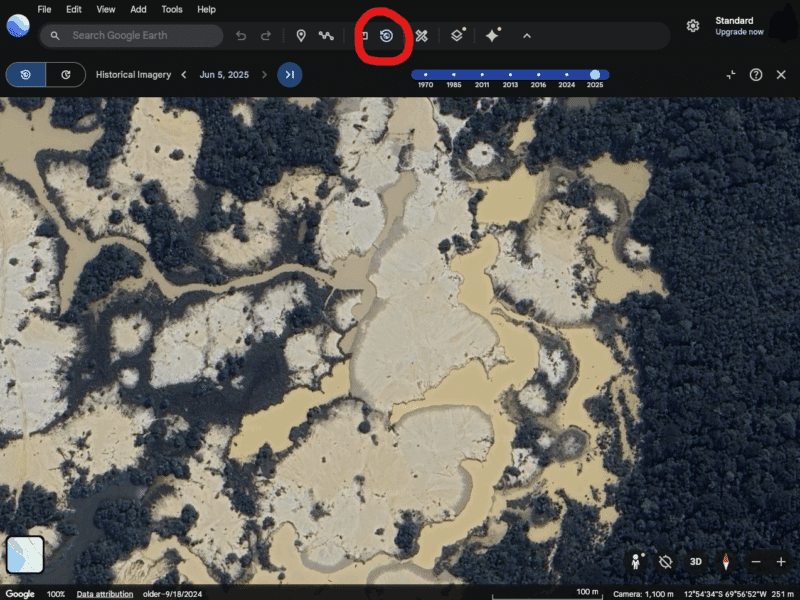
Collect Earth Online now offers seamless Google Earth Web integration
Collect Earth Online is now connected to Google Earth Web, where you can view high resolution and historical imagery for your plot ...
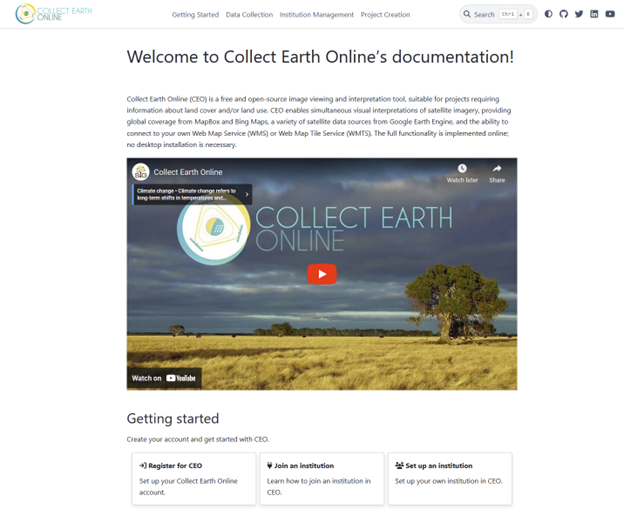
CEO Introduces Online Documentation
We are incredibly excited to announce the official launch of our comprehensive online documentation platform!
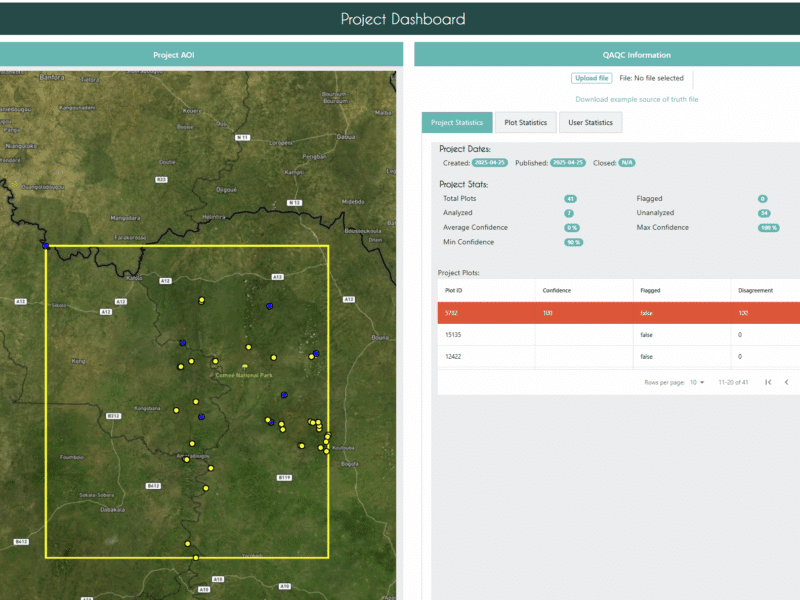
New QAQC Dashboard Enhances Data Quality
The new QAQC dashboard allows institution administrators to easily compare user’s answers and/or connect an external data stream with a project’s survey. ...